

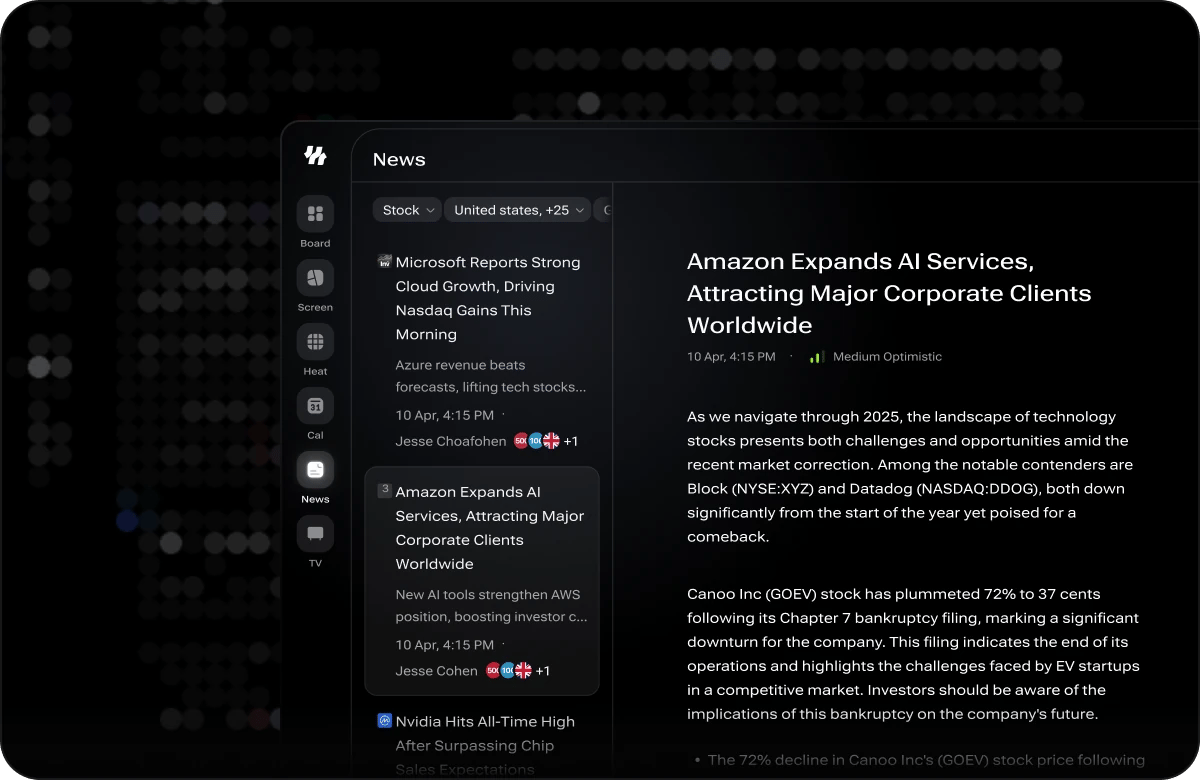
News — the headline list beside the opened article
Browsing News
Articles appear in reverse-chronological order by default, with the most recent stories at the top. Each article card displays the headline, source, publication time, and any associated ticker symbols so you can assess relevance before clicking through to the full article. Scroll down to browse older articles, or use the date range and sort controls to change the order and surface the timeframe you want to focus on.Filtering News
Use the available filters individually or in combination to hone in on exactly the coverage you need.Date range
Narrow the feed to a period — the last day, week or month, or a custom range you pick on the calendar — to focus on the window that matters.
Sort
Order the feed by Newest First (the default), Oldest First, or by Importance to bring the stories that moved the market to the top.
Score and sentiment
When you sort by Importance, two further filters appear — the impact score of a story and its sentiment — so you can read only the high-impact optimistic or pessimistic coverage.
Filters for ticker, location, source and category are not available yet — the feed behind them does not support them, so they are hidden until it does.
Sorting and Resetting
- Newest First — The default sort order, showing the most recent articles at the top.
- Oldest First — Reverse the sort to read coverage chronologically, which is useful when you want to trace how a story developed over time.
- Source popularity — Lead with stories from the outlets that carry the most weight.
- Importance — Rank by how much a story matters to the market, and filter further by impact score and sentiment.